- Log into your commons account (make sure you are added to the site)
- Click on the section of your class – “Thursdays at 5:05” pm
- Select the “assignments” section and the relevant assignment
- Click the “New+” tab at the top of the page and select “post”
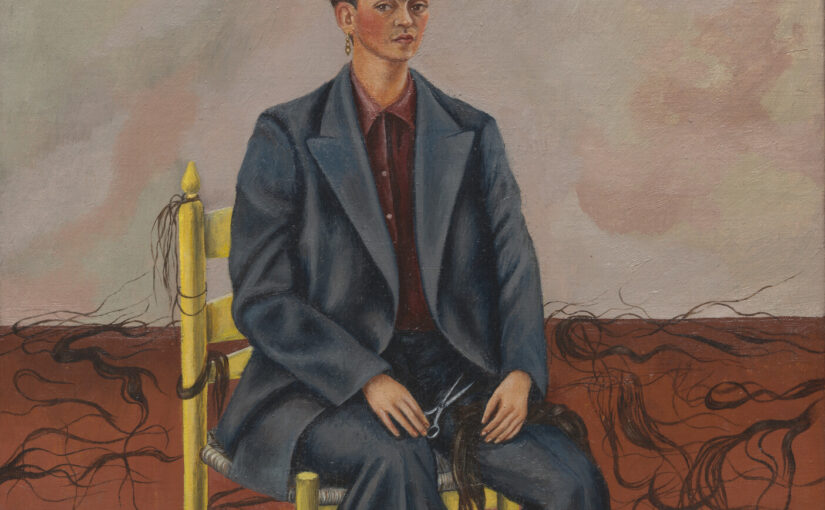
- Add an image. This is Frida Kahlo’s “Self-Portrait with Cropped Hair”
- Choose the relevant “category” in the “document” bar on the right side
- Publish!